
info@shopespot.com
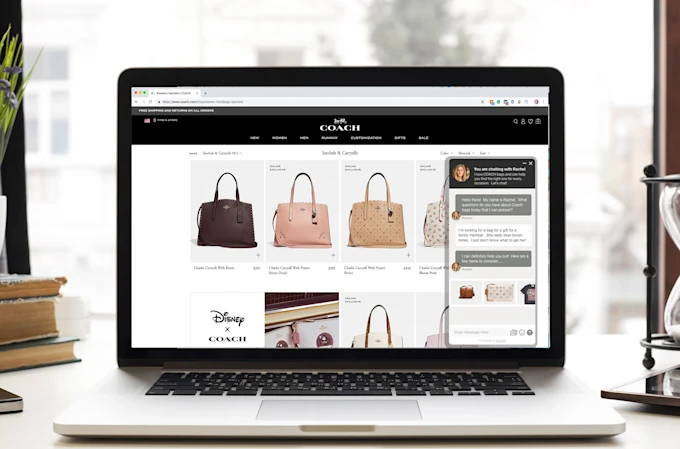
Selling online is no longer optional it’s essential. If you’re searching for how to sell online, you’re likely looking for a simple, affordable way to start or grow a digital business.
Whether you’re a small business owner, entrepreneur, or side hustler, selling online allows you to reach customers beyond your local area, operate 24/7, and scale faster than traditional brick-and-mortar businesses.
This guide explains how to sell online step by step, even if you have no technical or design experience.
Selling online means using a digital platform to showcase products or services, accept payments, and manage orders over the internet.
Unlike marketplaces that limit branding and control, having your own online store allows you to:
Own your customer data
Control pricing and promotions
Build a recognisable brand
Grow without platform restrictions
Modern ecommerce platforms make it possible to start selling online without coding or design skills.
Before learning how to start, it’s important to understand why selling online works so well:
Low startup costs
Access to local and global customers
Automated order and payment processing
Easy to scale as demand grows
Works for products, services, and digital goods
The most important step in learning how to sell online is choosing the right ecommerce platform.
A good platform should allow you to:
Create an online store easily
Add and manage products
Accept secure online payments
Track orders and customers
Grow your business from one dashboard
Instead of using multiple tools, an all-in-one ecommerce website builder makes selling online simpler and faster.
Start selling online using Shopespot’s Ecommerce tools
Create your online store and get started in minutes
Shopespot is a powerful all-in-one website builder designed for online businesses. It lets you create a free online store, accept secure payments, manage products, and grow your brand all without coding or design skills.
Once you’ve chosen your platform, the next step is setting up your store.
Most modern ecommerce builders allow you to:
Choose a ready-made template
Add your logo and brand colours
Create product pages
Set pricing and stock levels
With drag-and-drop tools, you can build a professional-looking online store without hiring a designer or developer.
To start selling online, you need clear and well-presented products or services.
Make sure each product includes:
Product name
High-quality images
Clear pricing
Short, benefit-focused description
Call-to-action (Buy Now / Add to Cart)
Good product pages improve trust and increase conversions.
A key part of selling online is making it easy for customers to pay.
Your ecommerce platform should support:
Secure payment gateways
Card payments
Local and online payment methods
Automatic order confirmation
The easier it is to pay, the more likely customers are to complete their purchase.
Once your store is ready, it’s time to launch.
To get your first sales:
Share your store link on social media
Send it to your email list
Promote it on WhatsApp or messaging apps
Run special launch offers
👉 Launch your online store and start selling to real customers
Successful online selling is data-driven.
Track:
Product performance
Sales trends
Customer behaviour
Conversion rates
Use this data to:
Improve product listings
Adjust pricing
Create promotions
Expand your product range
If you’re just starting out, avoid these mistakes:
Overcomplicating your store setup
Poor product descriptions
Ignoring mobile users
Not promoting your store
Using unreliable ecommerce tools
The fastest way to sell online is using a platform that already includes:
Online store builder
Product management
Secure payments
Order tracking
Growth tools
Instead of building everything from scratch, you can create a store and start selling online the same day.
Create your free online store and start selling today
Learning how to sell online doesn’t require technical knowledge or design experience. With the right ecommerce platform, anyone can launch and grow an online business.
By:
Choosing a reliable ecommerce solution
Creating a simple online store
Adding products and payments
Promoting your store consistently
you can turn online selling into a scalable and profitable business.
If you’re ready to move from planning to action, now is the best time to start selling online.